The number that changes this comparison
This comparison does not establish a current US price winner. Compare the same capacity and checkout terms before assuming the T7 Shield costs less.
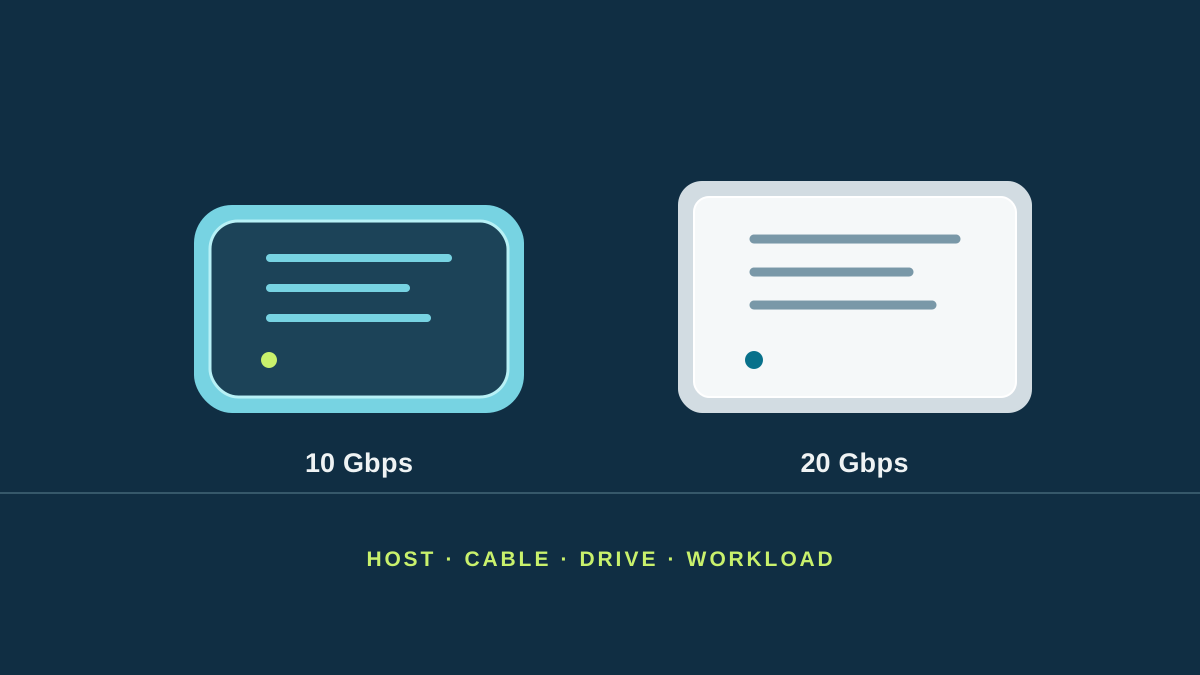
The Samsung Portable SSD T7 Shield is a pocket-sized solid-state drive (SSD) rated up to 1,050 MB/s read and 1,000 MB/s write. The T9 is rated up to 2,000 MB/s. Those are maximum file-transfer rates under compatible test conditions. Its USB link is rated at 20 Gbps; the T7 Shield’s is 10 Gbps. Gbps describes the connection’s capacity, while MB/s describes file movement. Neither number is the speed every computer will reach.
| Decision | T7 Shield | T9 | Why it matters |
|---|---|---|---|
| USB connection | Gen 2, 10 Gbps | Gen 2x2, 20 Gbps | A computer without Gen 2x2 cannot use the T9’s fastest connection. |
| Large-file read, maximum listed | Up to 1,050 MB/s | Up to 2,000 MB/s | Actual transfers depend on computer, files, cable, capacity and workload. |
| Large-file write, maximum listed | Up to 1,000 MB/s | Up to 2,000 MB/s in the cited 1 TB listing | Check the exact SKU and conditions for the capacity you buy. |
| Dust and water rating | IP65 | No comparable IP rating listed | The Shield is the documented pick for outdoor exposure; neither is waterproof in every condition. |
| Drop rating | Up to 3 m in Samsung’s test | Up to 3 m in Samsung’s test | A test condition is not permission to drop a drive. |
| Hardware encryption | AES 256-bit | AES 256-bit | Set a password and keep a recoverable backup of its credentials. |
Samsung’s comparison table lists the T7 Shield and T9 ceilings and the Shield’s IP65 rating. Samsung specifies Gen 2x2 and up to 2,000 MB/s read and write in its official 1 TB T9 listing. Its limited-warranty table states three years for the Shield and five for the T9. Check regional terms. These documents are not independent benchmarks.
Check the whole connection, not the socket shape
USB-C describes a connector. It does not tell you whether a particular port, cable and operating system support the T9’s 20 Gbps USB 3.2 Gen 2x2 mode. Trace the chain: host specification, cable rating, drive interface, and any dock or adapter in between. One slower link can cap the transfer.
Some newer computers advertise Thunderbolt or USB4 rather than USB 3.2 Gen 2x2. Do not infer 20 Gbps Gen 2x2 compatibility from a USB-C-shaped port or a larger Thunderbolt number. Look up the precise USB modes the maker documents. Samsung says the T9 can work with many PCs, but compatibility does not promise that every host reaches its top mode. If the host exposes only a 10 Gbps path, the practical reason to pay for T9 performance shrinks.
MacBook Air M5 is a useful example of why to check. Apple lists two Thunderbolt 4 ports and support for up to two external displays; its marketing material does not establish 20 Gbps USB 3.2 Gen 2x2 transfer performance. Confirm the exact Mac, operating system, cable, and storage format before buying a T9 for its speed. A drive that works is not automatically operating at its advertised maximum.
Match the drive to the job
For one-off backups, archives, photographs, and moving a moderate project between computers, both drives can be more than fast enough. The Shield has the clearer documented case for use near dust, splashes or travel knocks because it carries IP65 and Samsung’s tested drop claim. Keep either drive out of rain and save a second copy elsewhere: ruggedness is not backup.
For repeated large video projects or a daily working set, estimate the time a faster link could actually save. Divide the amount you move by the sustained speed your own computer can deliver, not the largest number on a product page. A 100 GB transfer at the T9’s advertised 2,000 MB/s would take about 50 seconds in an idealized decimal calculation; the same calculation at 1,000 MB/s is about 100 seconds. Real transfers may take longer, and saving that minute only matters if you repeat the job. These are theoretical examples, not test results.
The T7 Shield comes in 1 TB, 2 TB and 4 TB capacities. Samsung lists the T9 in those capacities too. Compare the same capacity and today’s local price; discounts, bundles and stock change. Do not compare a sale-priced 2 TB Shield with a full-price 1 TB T9 and call it a speed-only premium. Samsung lists a three-year warranty for the Shield and five years for the T9 in its product comparison; verify coverage in the country where you buy.
Worked example: copying event photos back at the studio
Imagine a photographer copying a large folder after every event. This is an illustrative scenario. Compare using the same test folder, computer, and compatible cables while preserving the original.
First verify whether the complete path supports USB 3.2 Gen 2x2. Samsung’s documentation distinguishes interfaces; a USB-C connector does not establish that mode. A 10 Gbps path cannot justify budgeting around the T9’s advertised maximum.
Time the copy and open several destination files. For frequent transfers, measured time helps assess the premium. For a weekly copy, capacity, protection, and price may matter more.
A critical limit: moving photos and erasing the card leaves only one copy unless another exists. A working SSD belongs in a backup plan; it does not replace one.
Verdict
Pick the T7 Shield when rugged protection and dependable everyday transfers matter more than a 20 Gbps interface. Pick the T9 if you move large files regularly, your entire connection documents USB 3.2 Gen 2x2, and a same-capacity price premium is smaller than the time you expect to save. If the host’s USB modes are unclear, verify them first or buy on capacity and protection rather than the T9’s maximum-speed label.
The official US 1 TB T9 listing was checked November 9, 2026; other sources retain their individual consultation dates. Manufacturer maximums are not independent measurements or a current price comparison. Prices and host compatibility vary. We have not tested either drive.