Start with the job, then configure the memory
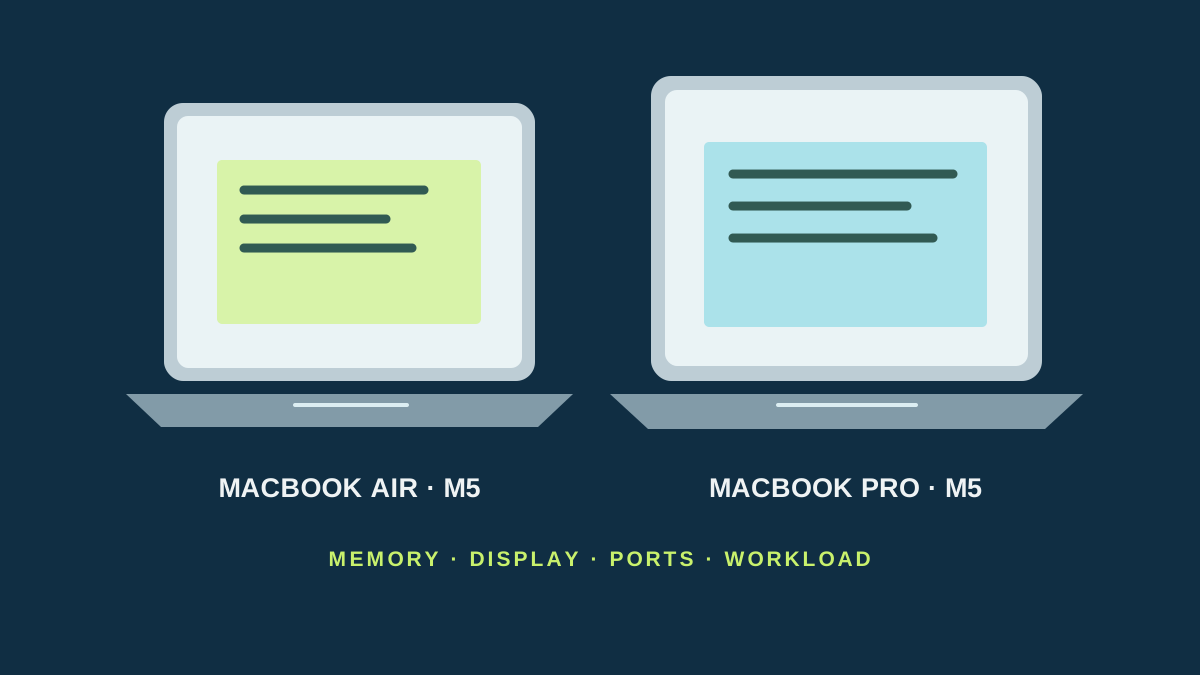
Both machines use Apple’s M5, so a Pro label alone does not mean that every everyday task will feel faster. The 13-inch Air M5 starts with 16 GB of unified memory and a 512 GB SSD (the drive for apps and files); the 14-inch Pro M5 now starts with 16 GB and 1 TB. Both can be configured with more memory. If you keep many browser tabs, a local photo library or virtual machines open, compare the exact memory and storage configuration rather than a model name.
| Decision | 13-inch MacBook Air M5 | 14-inch MacBook Pro M5 | When to pay attention |
|---|---|---|---|
| Graphics processor (GPU) | 8-core in the 13-inch base configuration; 10-core option | 10-core | Match the Air’s 10-core upgrade to compare like configurations; Apple has not published our workload’s results. |
| Base memory | 16 GB unified; configure to 24 or 32 GB | 16 GB unified; configure to 24 or 32 GB | Memory is shared with the GPU; a heavier workload may justify more on either model. |
| Starting SSD | 512 GB | 1 TB | The Pro includes twice the starting capacity in the current base configuration. |
| Built-in display | 13.6-inch Liquid Retina, 500 nits | 14.2-inch Liquid Retina XDR, adaptive refresh up to 120 Hz | The Pro gets brighter for HDR and can refresh more often for smoother motion; that may matter less for documents. |
| Ports | Two Thunderbolt 4, MagSafe 3, headphone jack | Three Thunderbolt 4, HDMI, SDXC, MagSafe 3, headphone jack | Cameras, cards and monitors can use the Pro ports without the same dock setup. |
| Battery claim | Up to 18 hours streaming video | Up to 24 hours streaming video | Apple tests specific configurations; do not read these as workday guarantees. |
| U.S. starting price observed | $1,099 for 13-inch Air | $1,699 for 14-inch Pro | Manufacturer U.S. prices; before tax and configuration changes. |
Apple’s pages specify the Air M5 and 14-inch Pro M5. The Air supports up to two external displays under Apple’s stated resolution and refresh-rate limits. Prices are the manufacturer’s current or launch starting references: Apple lists the 13-inch Air from $1,099 and the 14-inch M5 Pro from $1,699 in the U.S. Store prices and configurations can change.
When the Air is enough
Choose the Air for documents, browser work, calls, travel and short creative sessions if its screen, capacity and ports suit your setup. It weighs less than the 14-inch Pro, has two Thunderbolt 4 ports and a fanless design. That keeps the bag simpler and avoids a fan, but Apple doesn’t publish a temperature-independent Air-versus-Pro timing chart for your particular export, game or compile task.
For a few external devices, the Air can still run a desk setup, including two supported displays. Check the resolution and refresh rate for each display, whether the laptop lid stays open, and whether you need a dock for power, Ethernet or card readers. A dock is an extra cost, yet it may be cheaper and more useful than buying a Pro if you only occasionally need its connectors.
What the Pro buys in a working week
The Pro’s clearer reasons to cost more are not simply its M5 chip: it offers a Liquid Retina XDR screen with adaptive refresh up to 120 Hz, three Thunderbolt ports, HDMI, an SDXC slot and 1 TB at the current starting configuration. The larger port selection is especially useful if your work repeatedly pulls video from SD cards, feeds an HDMI display, and keeps storage attached.
The Air’s 500-nit Liquid Retina screen is a capable general-purpose display. The Pro’s XDR panel has higher published brightness for HDR and 120 Hz ProMotion. Apple’s 2025 Pro M5 tech page lists sustained full-screen XDR brightness of 1,000 nits and peak HDR brightness up to 1,600 nits; use the screen comparison to match your room and media work, not to assume that every panel should be used at maximum brightness.
Both start at 16 GB, so the base Pro does not automatically solve a memory shortage. Check how much memory your editor, virtual machines or local models need and price the matching configuration of both. Also compare the Pro’s standard 1 TB against an Air upgraded to the capacity you need. That is a fairer bill than comparing the cheapest Air with a custom Pro.
A price gap you can judge
Apple’s current U.S. starting prices are $1,099 for a 13-inch Air M5 and $1,699 for a 14-inch Pro M5, a $600 gap before tax. In Spain, the Apple Store lists 13-inch Air from €1,429 and 14-inch Pro from €2,229, an €800 gap. These are regional store starting prices on September 30, 2026, not price-matched configurations or universal street prices. The Pro starts with twice the SSD capacity; compare identical memory, storage and display choices, then add any dock or external display the Air would need.
Worked example: a consultant and a video editor
Two illustrative situations make the table concrete. A consultant uses documents, spreadsheets, and calls and carries the laptop to meetings. An editor imports SD cards, connects an HDMI display, and keeps an external drive attached.
The consultant should rehearse a normal session on an Air with adequate memory. A Pro does not replace that check or guarantee better calls. The editor can use the Pro’s documented SD reader and HDMI in its specifications; an Air requires suitable adapters in the budget.
Both need to check exact configuration and storage. The editor’s test includes opening a project and exporting a sample; this article assigns neither machine a measured render time.
The step up makes sense when extra display and connections are regularly useful or comparable testing reveals a real limitation. Documents and an occasional adapter need a different justification for the premium.
Verdict
For calls, writing, browsing and a few short creative jobs, buy the Air with enough memory and storage. Choose the 14-inch Pro if your weekly work uses its XDR / 120 Hz screen, card and HDMI ports, or larger starting SSD often enough to justify the gap. For sustained rendering or compiling, read independent tests of the exact configurations you plan to buy; the shared M5 name and Apple’s general claims do not tell us how long your specific task takes.
Specifications and Apple Store starting prices checked September 30, 2026. Configurations and offers vary by country. We have not benchmarked these computers.