If your books are novels and essays, color may add little. If you read comics, illustrated manuals, or want to mark passages in color, the Kobo Libra Colour changes the page; if your collection already lives in Kindle, the Paperwhite may be the simpler fit. Before buying, check a real library title: file format, DRM, and country matter more than a format list.
This is a documentary comparison of the Kobo Libra Colour and Kindle Paperwhite 12th Generation (2024 release). We have not physically tested either device or measured contrast, speed, or battery life. Battery claims are manufacturer estimates under stated conditions.
Differences that change the choice
| Decision | Kobo Libra Colour | Kindle Paperwhite 12th gen. | Practical consequence |
|---|---|---|---|
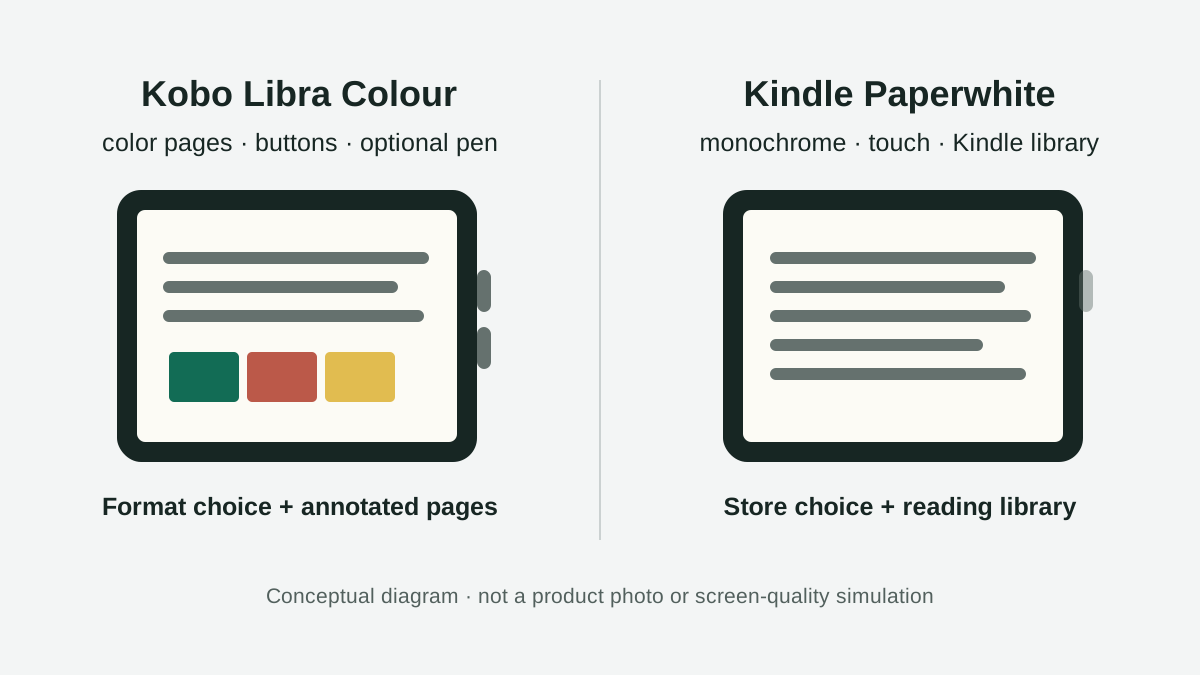
| Display | 7-inch E Ink Kaleido 3; 300 ppi in black and white and 150 ppi in color | 7-inch monochrome E Ink | Kobo shows color on covers, illustrations, and marks; Kindle keeps the page grayscale |
| Page turning | Touchscreen and physical buttons | Touchscreen | Kobo’s buttons may help if you read one-handed or prefer not to tap the screen |
| Writing | Compatible with Kobo Stylus 2, sold separately | Paperwhite does not include or support an on-screen writing stylus | For handwritten notes on a page, Kobo offers a feature this Paperwhite does not |
| Storage | 32GB | 16GB in the compared model | Both hold many text books; large files and audiobooks take more space |
| Water resistance | IPX8: up to 60 minutes and 2 metres, according to Kobo | IPX8 according to Amazon | A lab rating does not make either reader suitable for routine underwater use |
| Library reading | OverDrive is integrated only in supported countries and titles depend on the library | Libby can send eligible books to Kindle from US libraries | The local catalog determines whether this matters to you |
Kobo lists the display, storage, and stylus support on its US Libra Colour product page. Amazon identifies the compared device as the Paperwhite 12th Generation, released in 2024, and documents adjustable warm light, 16GB, and IPX8 in its Kindle model guide and product information guide. These are manufacturer specifications, not results from a side-by-side test.
Test your books and library before choosing
Kobo natively supports EPUB, PDF, EPUB3, MOBI, CBZ, and other formats. That does not mean every EPUB will work without extra steps: Kobo distinguishes DRM-free files from protected titles. A protected EPUB may require Adobe Digital Editions, and the steps depend on the seller or lender. Review Kobo’s supported formats and DRM guidance.
Kindle organizes purchases in its own library. Amazon includes EPUB among personal-document formats supported when sent through Send to Kindle; that workflow differs from opening an unprotected EPUB directly on a Kobo. Amazon’s personal-document support table describes the formats and note features. If you want to move books purchased outside Amazon, check their permissions and DRM before assuming you can transfer them.
Borrowing is especially regional. In Spain, Kobo does not currently include Spain in the list of countries where the eReader integrates OverDrive, and Libby only sends Kindle books from US libraries. Do not assume either device will directly open your Spanish library’s catalog. Ask the library which file and DRM it supplies, then confirm the transfer steps before choosing. Kobo’s official OverDrive country list can change.
In the United States, Kobo can integrate OverDrive with participating libraries; title availability depends on the library. Kindle can receive many Libby loans, but the title must support Kindle and the transfer finishes through Libby and Amazon. Libby documents that route and its limits. In either case, check your own library catalog: device compatibility does not guarantee that a particular title is available.
Check which protection your provider supplies
For Kobo, its LCP requirements document a route for protected EPUB on software 6.0 or later, separate from Adobe DRM and Digital Editions. Check installed software, license and your library’s procedure; do not infer that Kindle supports this route. An LCPL file is a license, not the complete book.
Keep format, protection, country and result in the book check CSV. Its cases begin unchecked. DRM support does not itself change regional integrated-borrowing availability or make every purchase from another store transferable.
Color matters when it appears on the pages you read
Kobo lists 300 ppi for monochrome content and 150 ppi for color. That can help distinguish lines in a chart or colored highlights, but the manufacturer’s figures do not prove that every color page will look better than a monochrome display. If you mostly read prose, also compare the front light, warmth, and text size you use; the word “color” cannot decide those preferences.
The Libra Colour’s physical buttons and asymmetric shape may feel convenient when turning pages with one hand, though comfort is personal. Paperwhite has a seven-inch touchscreen with adjustable warm light, dark mode, and water resistance in the Amazon-documented model. None of those specifications tells us which display you will find more comfortable; room lighting and individual preference matter.
Use this compatibility check before you buy
Pick a representative book and follow this list. Do not use a DRM-protected file you are not allowed to transfer.
- Identify its source: bookstore, library loan, work PDF, or DRM-free file.
- Check format and protection: a file extension does not grant permission to open a book in another ecosystem.
- Trace the whole path: download, desktop app or cloud service, required account, and loan-return steps.
- Test the page you care about: a color cover, chart, margin note, or large PDF page.
- Confirm country and library: OverDrive/Libby, title availability, and catalog rules vary by region.
Illustrative case: a reader in Madrid buys novels from several stores and borrows digital books. Libra Colour supports more unprotected formats, but Spanish library loans do not automatically use its OverDrive integration; Kindle offers its Amazon library and Send to Kindle, but that does not remove borrowing or DRM restrictions. Start with the actual lending workflow, not the number of formats on a product page.
Which one to choose
Choose Kobo Libra Colour if you use color pages, physical buttons, or stylus annotation and your files or library work with Kobo in your country. The stylus costs extra. Choose Kindle Paperwhite if your collection already lives with Amazon or you are in the US and your library’s Libby workflow covers the titles you want. Keep your current reader if your books open correctly, you mostly read text, and you cannot name a specific limitation that an upgrade would solve.
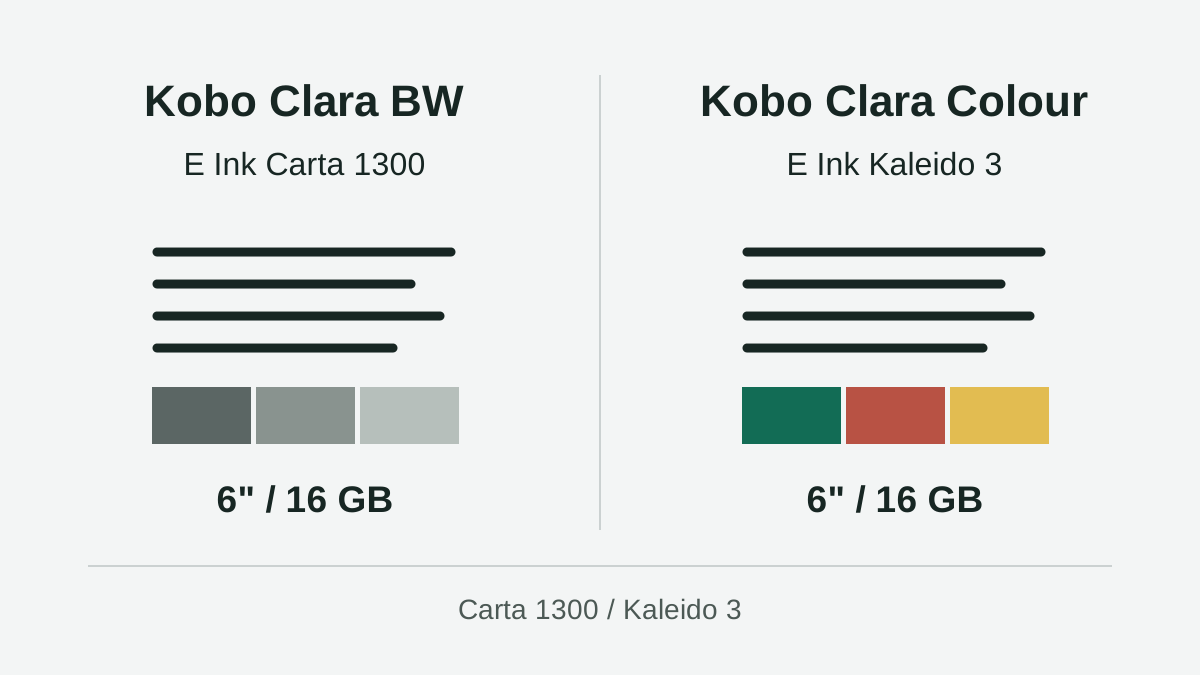
The Kobo Clara BW vs Clara Colour comparison answers a narrower question: when color is worth paying for on a six-inch reader. This guide extends the decision to two ecosystems and library compatibility. Formats and LCP requirements checked November 9, 2026; other sources retain their dates. Documentary recommendation without hands-on testing. Confirm the product, catalog, price, returns, and availability in the country where you will buy.